Closed Beta · Android · Google Play
Be one of the
Be one of the
first 100 testers
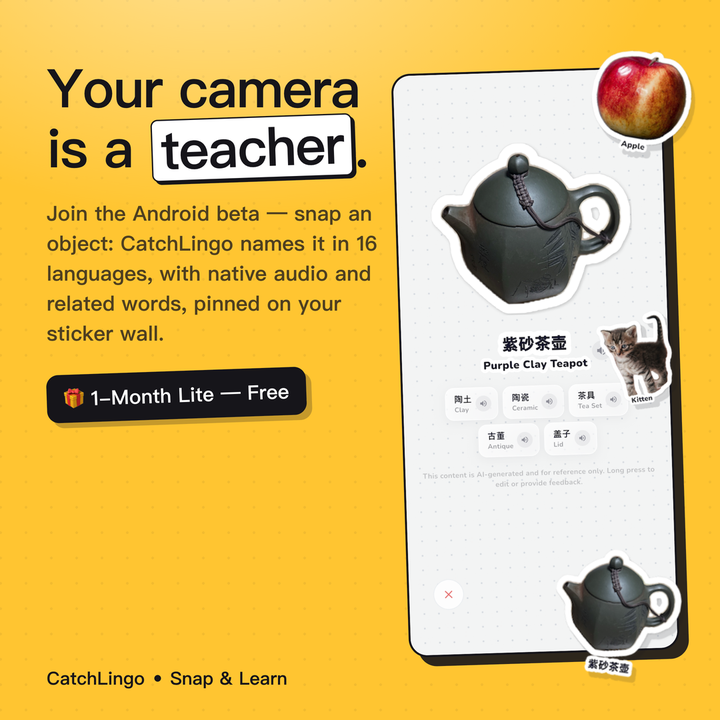
CatchLingo is in closed testing on Google Play. Three quick steps and you're in — and as a founding tester, your first month of Lite is free.
How to Join
Three steps to
your beta invite
Google needs to know who's allowed to install a beta build — that's why it's three taps instead of one.
01
Join the Google Group
This adds you to the tester list that Google Play checks against. It opens in a new tab — click "Join group" and you're done.
Open the group →02
Opt in as a tester
With the same Google account, tell Google Play you're allowed to install beta builds. Play shows a "You're a tester" confirmation.
Opt in now →03
Install from Google Play
Install the latest beta build straight from Play — free, with automatic updates as new builds ship.
Open in Play →iOS isn't part of this beta — join the Google Group or Discord and you'll be first to know when it opens.